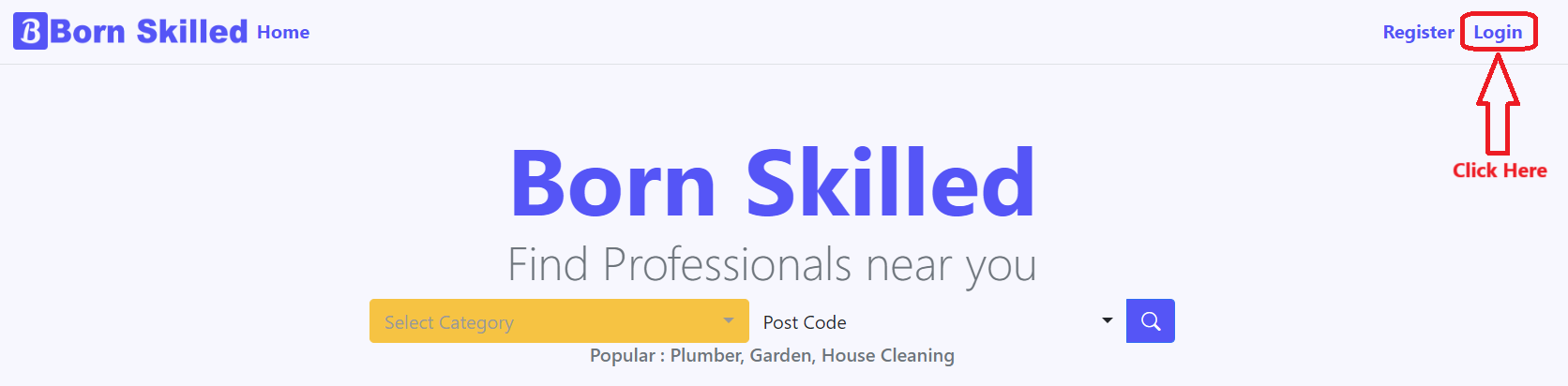
1. Click on Login button.
2. Login Page will be like this.
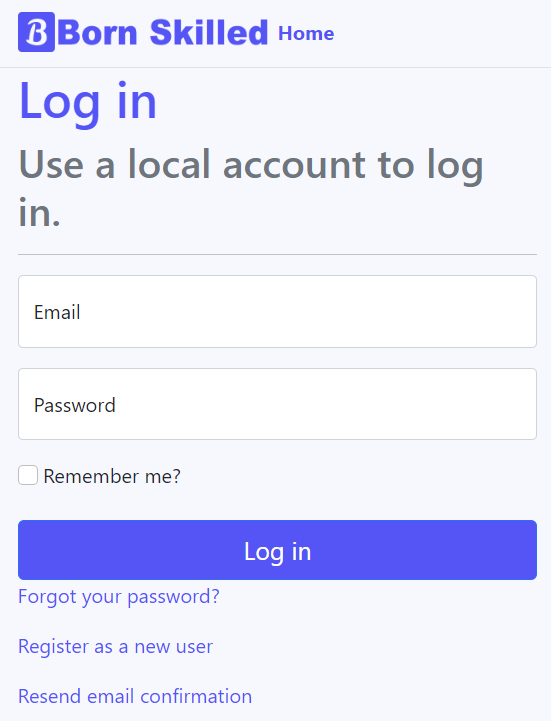
3. You can do more activities like Forget Password, Register as New User and Send Confirmation Email.
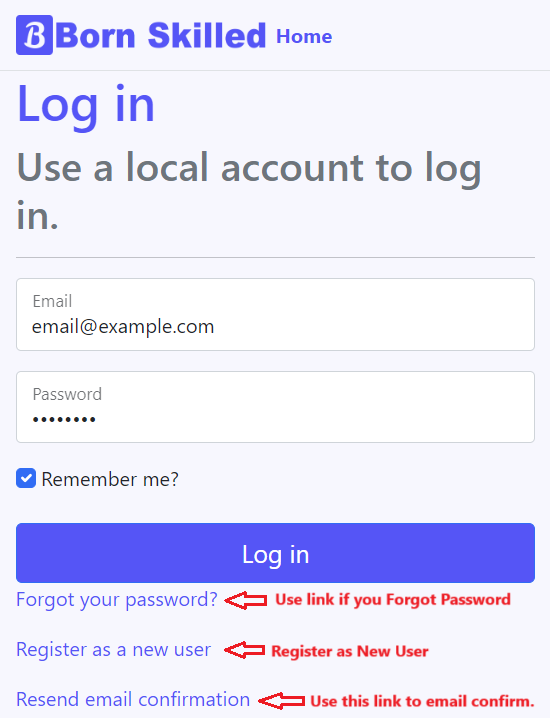
4. Type email and password. You can use Remember me? to auto login next time.
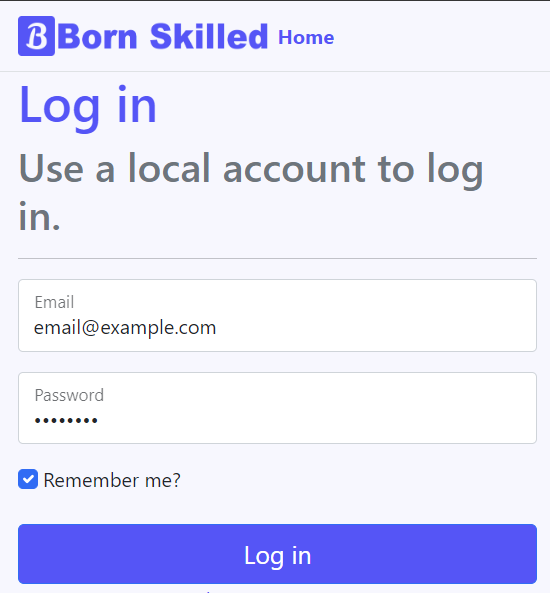
5. Click on Login Button to login

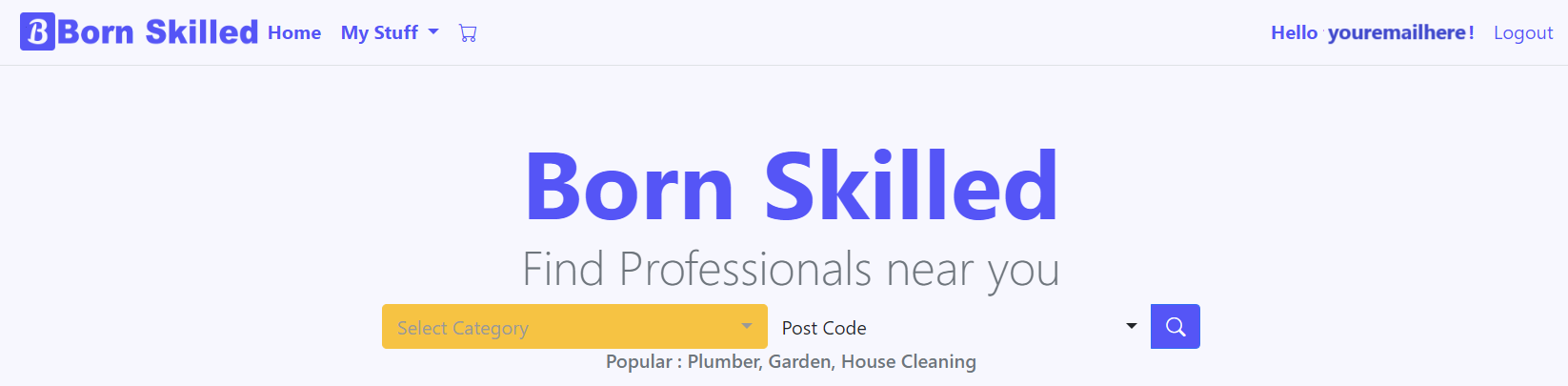
6. Once you are logged in you will see this window and your account email in top right corner.
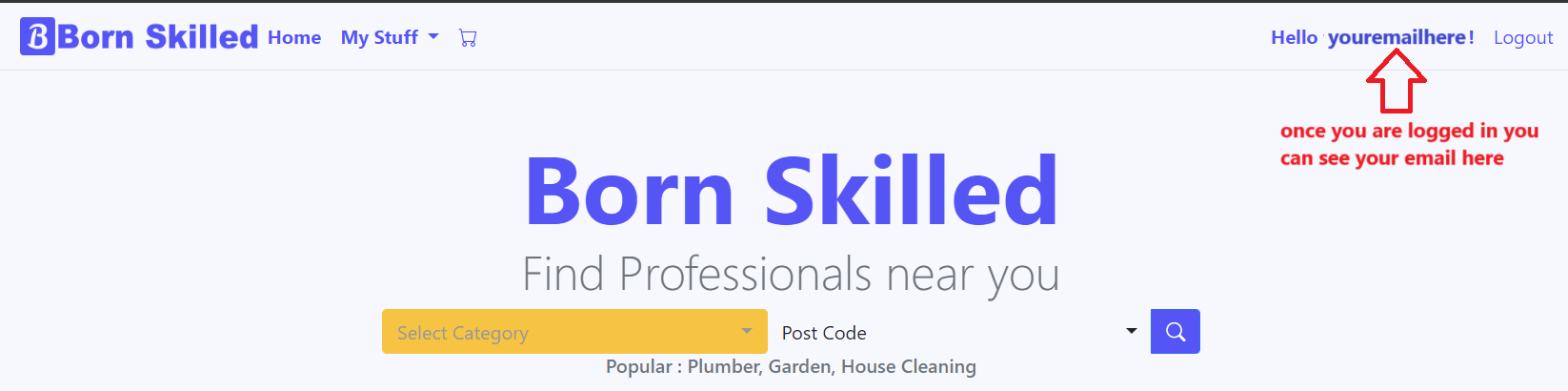
7. If you are a Trader, then you will be directed to Create Profile page.